
Ever thought about whether robots can really learn from their surroundings? Our guide walks you through how sensor integration, linking devices that detect changes like light or touch, turns robotic arms into smart, agile helpers. We break down how different sensors work in tandem to boost both precision and speed. From picking the ideal sensor to setting up the necessary software, every move ramps up a robot’s performance. So, ready to up your efficiency game? Let’s explore the techniques that give robotic arms standout accuracy and adaptability.
Robotic Arm Sensor Integration Workflow: Step-by-Step

Linking a mix of sensors, like force/torque ones and vision systems, is what gives a robotic arm its smarts. It lets the machine pick up on environmental tweaks, obstacles, or objects, so it can work all on its own. Engineers start by carefully choosing the best sensor types for each task. Then, they decide on the mounting style, whether it's a flush mount or a boom installation, to perfectly match the arm’s design.
Next comes the wiring and interface setup, which forms the solid base for a stable connection. They usually connect everything using common protocols like I2C, SPI (that’s a simple way for devices to share info), or CANbus (another networking method).
Once the hardware is set, it’s time to dive into the software. Sensor drivers and all the needed pieces get installed, and then calibration is done to fine-tune accuracy. Testing is super important to ensure the system reacts reliably to real-world data and changing conditions.
This detailed workflow, as laid out in our robotic arm sensor integration guide, makes sure every step ramps up the arm’s real-time analysis and adaptive responses.
robotic arm sensor integration guide: Amplify Efficiency

Selecting the perfect sensor is crucial for enhancing your robotic arm's efficiency. It all starts with considering what tasks the arm will tackle. For precise work, try a force/torque sensor that uses strain-gauge measurement (a nifty way to catch tiny mechanical changes) to monitor delicate movements. You might also opt for proximity sensors, think infrared or ultrasonic types, that quickly spot obstacles without needing to touch them. And then there are IMUs, which combine accelerometers and gyroscopes (tools that help measure movement and balance) to keep the arm stable during fast operations. Vision sensors capture images for guidance, while tactile sensors provide pressure mapping that ensures a secure grip. Imagine a sensor setup so well-integrated that it boosts efficiency with every calculated move!
Mounting your sensors securely is just as important as choosing the right ones. The way you install them can protect the sensor and help it perform at its best. For a clean, modern look in tight spaces, go for a flush mount. When you need an extended reach, a boom mount might be the way to go. And in rough environments, protective housings are essential to shield these sensitive components. Consider the RO1 arm, which supports an 18 kg payload, reaches 1.3 meters, and features a high-grade vision module built into a no-code framework. In essence, matching sensor performance with the appropriate mounting style is key to ensuring both safety and precision.
| Sensor Type | Application | Mounting Technique |
|---|---|---|
| Force/torque sensors | Precision force measurement | Flush mount |
| Proximity sensors | Obstacle detection | Flush or boom mount |
| IMUs | Orientation and balance | Secure mounting with shock absorbers |
| Vision sensors | Object recognition and guidance | Protective housing |
| Tactile sensors | Pressure mapping for grip control | Flush mount |
| Environmental sensors | Temperature and GPS monitoring | Protective housing |
Sensor Wiring and Interface Protocols for Robotic Arm Sensors

Setting up your sensors correctly is super important for a reliable system. Start with top-notch shielded twisted-pair cables that stop interference in its tracks. And don’t forget to keep power lines separate from data wires so you avoid unwanted noise. A little strain relief on each connection really helps, and labeling every wire, like writing entries in a neat phone book, makes future troubleshooting a breeze. Grounding your cable shields properly stops external electrical hiccups from messing with your data. Using proper connectors and a bit of strain relief not only boosts the signal but also extends your system’s life.
Next, let’s talk interface protocols for linking your sensors. For short-range modules, I2C is a solid and simple option. Need faster data speeds? SPI steps up to the plate. In tougher industrial settings, RS-485 and CANbus work like personal, noise-fighting data lanes. And for long-distance communication, Ethernet or Modbus TCP reliably bridge the gap. Picking the right protocol is key, it ensures your sensor data is processed quickly and accurately, keeping your robotic arm running smoothly.
Programming and Calibration for Robotic Arm Sensor Integration
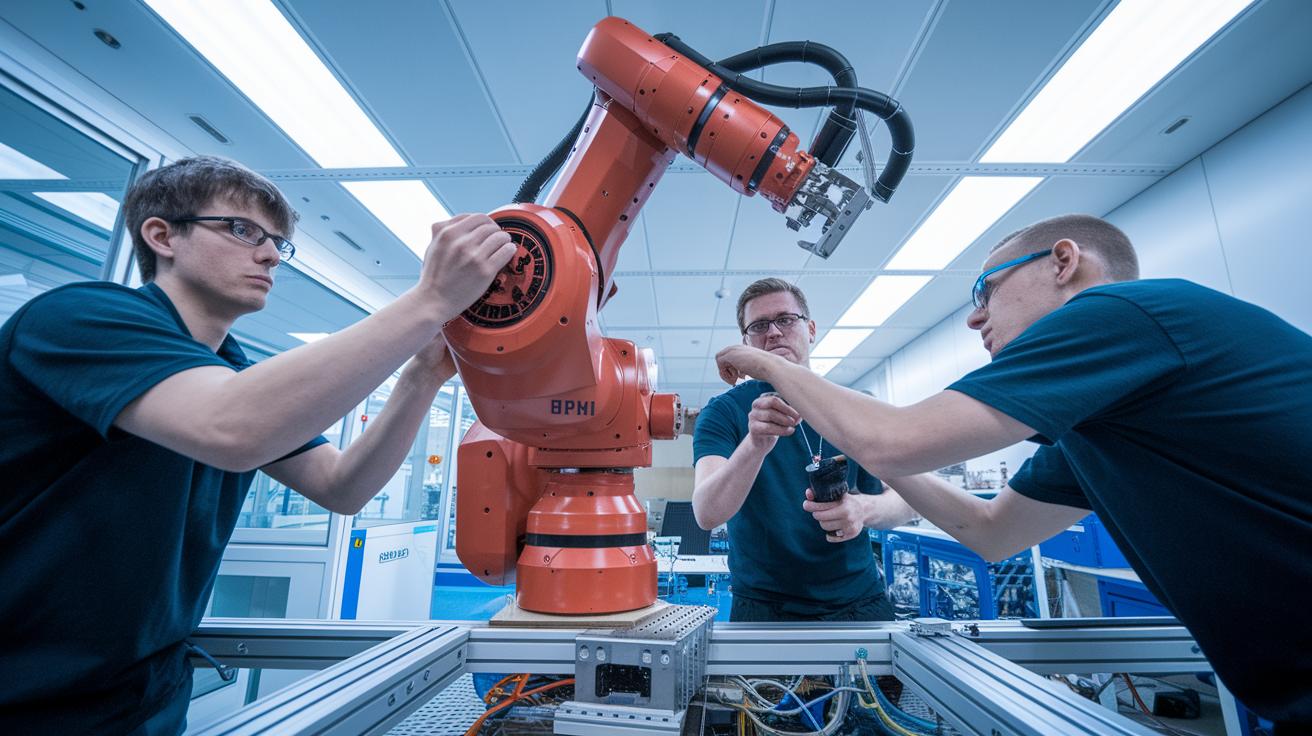
Calibration is at the heart of a robotic arm’s accuracy. It’s all about making small adjustments so that every sensor reading reflects what’s really happening. Engineers perform zero-offset and scale factor tweaks on force/torque sensors, using calibration rigs to get things spot on. They also fine-tune IMUs (inertial measurement units; devices that gauge motion and orientation) to handle drift, and adjust vision modules by correcting lens distortion and setting white balance. These precise moves are key in settings like surgery robotics or automated assembly lines, where even a tiny mistake can lead to big issues.
The software setup is just as crucial for sensor integration. Engineers use sensor_msgs topics in ROS (a framework for connecting robotics software) with languages like C++ or Python to smoothly link sensor outputs to the arm’s control system. With the proper drivers installed and configuration files in place, a stable platform for data exchange is born. For example, the RO1 robotic arm’s no-code framework shows how an intuitive setup can speed up sensor integration without the fuss. This well-tuned software environment captures intricate sensor details in real time and ensures the arm’s movements match the task at hand.
- Install sensor drivers and dependencies
- Connect sensors and verify data streams
- Capture zero-offset references
- Adjust scale factors
- Validate readings against benchmarks
- Save settings to firmware or configuration files
Good programming practices shine when the code is clear and modular. Writing clean code lets engineers easily troubleshoot and update sensor configurations for future challenges. Efficient data processing and timely calibration tweaks keep robotic arms precise and reactive. This smart blend of software setup and sensor calibration allows robotic systems to execute complex tasks smoothly, cutting downtime and boosting overall efficiency.
Real-Time Data Integration and Sensor Diagnostics in Robotic Arms

Real-time data integration is the heartbeat of a smart robotic arm, it keeps everything running in sync. Tools like ROS topics and nodes (think of these as digital pathways for sensor info) let engineers feed live data straight into control algorithms. Lightweight messaging protocols like MQTT (a quick way for devices to chat) ensure that data from all those sensors gets to the processor fast. And for bigger systems, OPC UA (a reliable framework that helps different software work together) ties everything together. Imagine a band where every instrument, from force sensors to vision systems, plays its part perfectly in near real time.
Diagnostics step in as a safety net to keep performance on track. Built-in self-tests, threshold checks, and drift monitoring spot any unusual behavior right away. If a sensor suddenly spikes or acts unexpectedly, anomaly alerts raise the flag immediately. Feedback loops tap into force-sensor data for smart gripping and vision feedback for smooth trajectory adjustments. Plus, multi-sensor fusion (mixing data from different sensors for a clearer picture) fine-tunes the arm's overall perception. In essence, these smart checks let the robotic arm adjust on the fly, keeping its operations smooth and accurate even when things get busy.
Maintenance and Troubleshooting for Robotic Arm Sensor Integration

Keeping your sensor system running smooth is all about routine check-ups. Regularly inspect connectors and check your cables, think of it like tuning your favorite instrument so every note is just right. It’s smart to update the sensor firmware, clean off any dust from the optics and housings, and make sure every connection feels snug. This way, you prevent little nuisances from turning into bigger problems down the line.
When things start acting up, troubleshooting is your best friend. You might experience sensor drift, a bit of unexpected signal noise, or even communication quirks that mess with your calibration. In these cases, try re-calibrating the sensors, swapping out any worn cables or connectors, tweaking the filter settings, or reloading the configuration files. Each step helps get your robotic arm back to its best, keeping it as efficient as a well-synced digital orchestra.
Final Words
In the action, the guide explored sensor selection, secure mounting, meticulous wiring, calibration steps, real-time data handling, and even maintenance checks. Each phase shows how digital components work together to keep operations smooth and efficient.
This robotic arm sensor integration guide offers practical tips and fresh insights for integrating tech seamlessly into everyday work. It leaves us feeling ready to tackle our next digital challenge with a confident, forward-thinking approach towards tech innovations.
FAQ
How do robotic arm motion and operations work?
Robotic arm motion refers to how the arm moves to perform tasks. It processes sensor data and programmed commands to achieve precise, real-time actions for tasks like handling materials or assembling parts.
What are the uses for robotic arms?
Uses for robotic arms include automating repetitive tasks, enhancing precision in assembly, working in hazardous settings, and boosting productivity. They are commonly applied in automotive, electronics, and packaging industries.
Where can I get a robotic arm book PDF?
A robotic arm book PDF offers detailed guides with diagrams, step-by-step instructions, and technical insights. It serves as a handy resource for those looking to deepen their understanding of robotic design and sensor integration.
How do robotic arms contribute to manufacturing?
Robotic arms in manufacturing streamline processes by automating assembly, welding, painting, and material handling. They improve product quality, reduce manual errors, and add consistency to high-volume tasks.
What defines a robotic arm base and the concept of an automatic robotic arm?
The robotic arm base is the stable foundation that supports the arm’s movements, while an automatic robotic arm operates independently using sensor data and programmed commands to complete tasks with minimal human input.
What are the objectives of a robotic arm?
The objectives of a robotic arm include achieving precision, efficiency, and safety. They are engineered to perform complex tasks reliably, reduce manual labor, and enhance system productivity in various applications.

