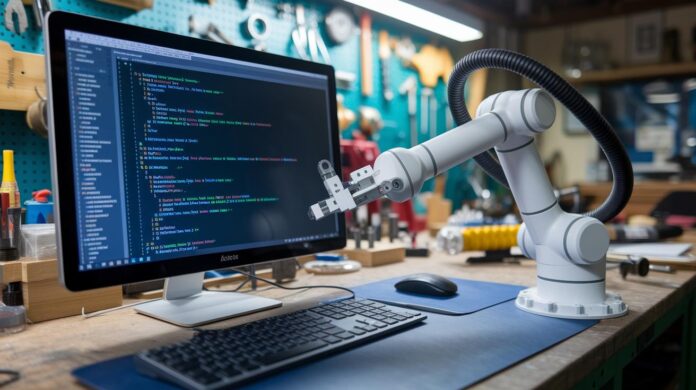
Ever thought you could command a robot arm with just a few lines of code? With ROS (Robot Operating System, a software framework that helps build robot programs), that idea really comes to life.
Imagine watching a digital arm move with precision as you tell it to pick up objects or even solve a puzzle. It’s like giving life to your ideas with simple code. Next, you set up a clear workflow, from sketching out your robot’s blueprint to firing up a vibrant simulation, that makes handling complex motions smart and straightforward.
Get ready to see how a touch of coding can transform everyday tasks into jaw-dropping innovations. Isn't it amazing how technology turns dreams into reality?
Fundamentals of Robotic Arm Programming in ROS

ROS is an open-source framework that gives you a rich collection of libraries, visualization tools, simulation features, and sensor integration components. It’s the backbone you need when building a 6DOF robot arm. Imagine issuing a command and watching your digital arm elegantly fold clothes or even solve a Rubik’s cube. For example, when you type "ros2 launch ros2_control_example example_7.launch.py", you’re setting off a chain reaction where each joint’s command is processed to bring the arm’s intricate motions to life.
A clear workflow makes all the difference with ROS. First, you create your robot’s description using a URDF file, which is basically a blueprint detailing every joint and link. Think of it as drawing out the building blocks of your robot. Then, you launch the simulation and get real-time feedback through RViz, a tool that lights up your screen with the dynamic movements of your arm as it carries out your trajectory commands.
When it comes to programming, the focus is on sending these trajectory commands as messages. Usually, you’d use C++ along with the ControllerInterface (a tool that helps simplify sending commands). You'll design controllers that read joint positions, process your inputs, and then output the necessary signals to the simulated motors. By nailing these steps, you transform complicated arm movements into repeatable, flexible tasks, whether you're experimenting in a simulated environment or handling real-world applications.
ROS Installation and Software Configuration for Robotic Arm Control
First, verify that your system is set up with Ubuntu 20.04 and ROS 2 Foxy. These are your building blocks. Next, clone the ros2_control and robot description repositories to lay a solid foundation for your project.
Now, install the essential middleware by running the command apt-get install ros-foxy-ros2-control. This pulls in all the packages you need to get started.
Set up your workspace and tweak your URDF file. Think of the URDF as the detailed blueprint that maps every joint and link of your robotic arm. It shows exactly how the arm should move during simulation.
Then, focus on creating the ControllerInterface in C++. Split your code into header and source files to keep things neat. This firmware is like the arm’s brain, it processes command inputs and handles joint trajectories in real time.
Once you’ve made your changes to the URDF and firmware files, run colcon build to compile everything. This step ties together the middleware, the URDF, and the controller to work as one synchronized system.
Finally, update your configuration files and carry out tests to ensure every command is received and executed properly. This careful process helps build confidence in your setup, paving the way for smooth simulation and hardware integration.
Coding Inverse Kinematics and Motion Planning in ROS for Robotic Arms

When you're building robotic arms, having an inverse kinematics solver is a must. Think of it as the smart part that figures out how each joint should move so the arm reaches the right spot, just like putting together a puzzle. For example, you might calculate an angle like this:
double calculateJointAngle(double targetX, double targetY) {
    // Basic calculation for demonstration
    return atan2(targetY, targetX);
}
After you have your angles sorted out, you send those values out with joint trajectory commands. In ROS, that means building a trajectory message. Check out this snippet:
trajectory_msgs::JointTrajectory traj_msg;
traj_msg.joint_names = {"joint1", "joint2", "joint3"};
// Populate trajectory points with calculated angles and time stamps
Notice that ROS handles joint trajectory commands instead of simple velocity commands, which means your movements stay smooth and coordinated, perfect for tasks like folding clothes or even solving puzzles.
Real-time motion planning really comes into its own when you need to adjust the arm's path on the fly. A trajectory optimization algorithm steps in to refine that path, cutting down on delays and reducing errors. Here’s a little example of how you might update a trajectory:
for(auto &point : traj_msg.points) {
    point.positions[i] = calculateJointAngle(targetX, targetY);
    // Update time_from_start for smooth transitions
}
By blending real-time planning with calculated inverse kinematics, every move is carefully fine-tuned as it happens. The outcome is precise control over each joint, letting the arm move fluidly whether you're running a simulation or working with physical hardware.
Developing ROS Nodes and Middleware for Robotic Arm Actuation

At the heart of our system is the RobotController class, split between its own header and source files. This class builds on ControllerInterface and smartly finds hardware interfaces on its own, so your controller can handle as many joints as you want without any extra setup.
Here’s a peek at what the header might look like:
class RobotController : public ControllerInterface {
public:
  RobotController();
  bool init();
  void update(const trajectory_msgs::JointTrajectory &msg);
};
In the source file, the update() function takes in JointTrajectory messages. It reads each trajectory point and then hands off commands to the right motor interfaces. Essentially, it writes out the positions and speeds to your actuators and then checks sensor data to make sure everything moved just right.
For example:
void RobotController::update(const trajectory_msgs::JointTrajectory &msg) {
  for (size_t i = 0; i < msg.joint_names.size(); ++i) {
    // Write to motor controllers and read back positions
  }
}
This setup creates a network node that chats effortlessly with other nodes in the system. And with RViz plugins, you get a live view of your robotic arm’s movements. All in all, our middleware and firmware team up to deliver a powerful, interactive control system where each command is swiftly turned into precise, mechanical action.
Simulation Environment Setup for Testing ROS-Based Robotic Arms
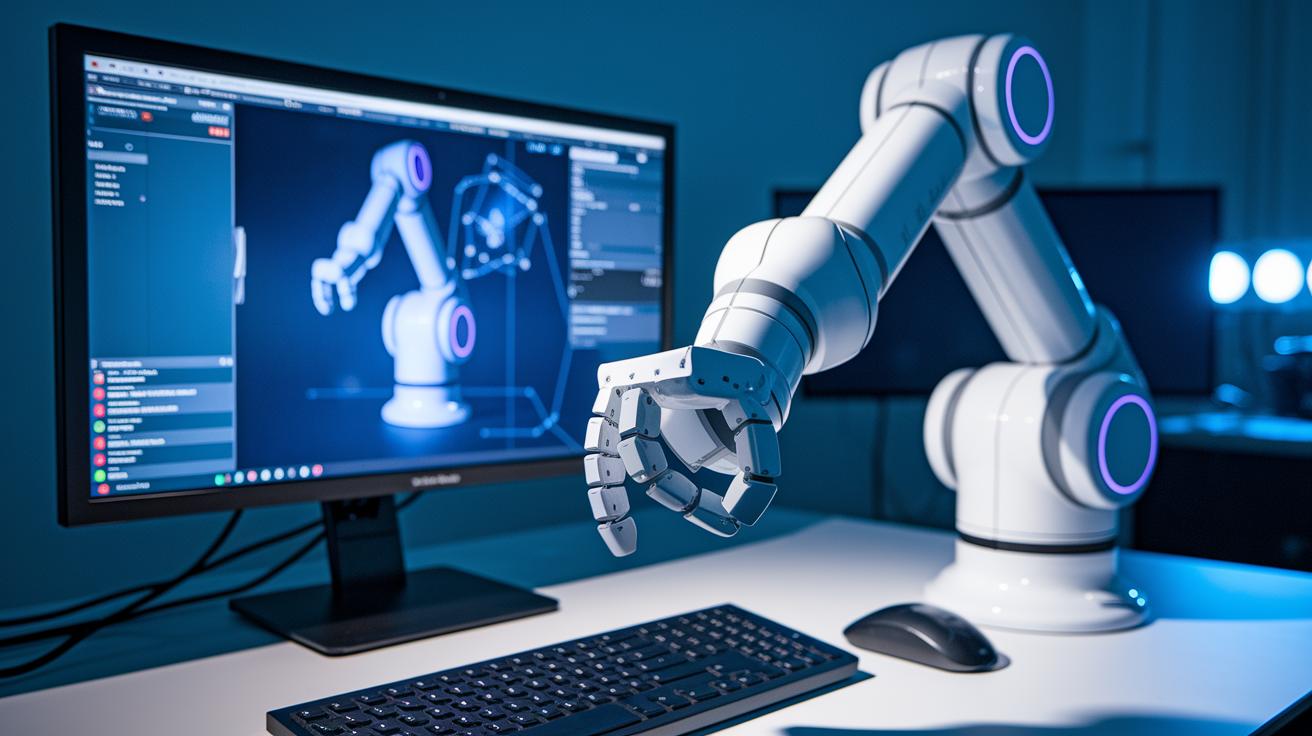
Here’s a quick guide to some neat technical details. In Gazebo (a simulation tool that lets you see robot actions virtually), the system uses the read() function to pick up the speeds you command and the write() function to make sure the moves happen right away. So, as the simulation runs, both RViz and Gazebo show the robot’s joints moving in sync with your instructions.
Run the simulation with this command:
ros2 launch ros2_control_example example_7.launch.py
- Check that the read() function catches the command speeds correctly.
- Make sure the write() function properly notes and triggers these movements.
- Watch as Gazebo accurately displays the URDF model in the virtual test space.
Integrating Physical Robotic Arm Hardware and Troubleshooting with ROS

Switching your simulation code to control a real robotic arm is quite an adventure. Instead of testing in a digital sandbox, you'll now command hardware that moves for real. Start by updating your code to use hardware_interface plugins (a tool that connects your software to actual hardware). For example, in C++ you might write:
hardware_interface::HardwareInterface hw_iface;
hw_iface.configure("real_robot_arm");
This little tweak ensures your commands hit the real motors rather than simulated ones.
Next, it's time to calibrate your hardware. Begin with the encoders, the sensors that tell you each joint's position. Slowly move each joint to a reference spot to manually set the encoder’s zero point. Here’s a snippet for that task:
for(auto &encoder : encoders) {
  encoder.setZero();
}
After this, check your actuators. Make sure that when you send a command, the joint actually moves to the right spot. Adjust the joint limits as needed to avoid putting too much strain on the mechanism. Running a brief test command and keeping an eye on sensor feedback can help you confirm everything is moving smoothly.
When problems pop up, follow these troubleshooting steps:
- Check that all electrical connections are solid, inspect every wire and power supply.
- Verify that the joint limits are set correctly to avoid pushing the system beyond its safe range.
- Turn up the verbosity on your ros2_control logs to capture any error messages.
- If sensor data seems off, re-calibrate both the encoders and the actuators.
Lastly, ensure your hardware_interface plugin is doing its job properly, reading actual motor positions and sending the correct commands. This hands-on approach lets you quickly make adjustments and confirms that every part of your robotic system is tuned for success. In short, by keeping a methodical routine for calibration and fault management, you’re well on your way to transforming simulation success into real-world operation.
Performance Optimization and Advanced Techniques in Robotic Arm ROS Programming

When you dial up your robot arm with advanced techniques, you're really taking your ROS-based control system to the next level. Think of it as streamlining your controller loop to cut down on lag when processing JointTrajectory messages. Try focusing your loop so that every round deals only with what truly matters. For example:
for(auto &point : traj.points) {
    processPoint(point); // Optimize timing here
}
Time-series data logging is a game changer for performance checks. By logging key moments during operation with lightweight tools, you get more insight into your loop timing. Plus, tweaking ROS parameters, like adjusting buffer sizes and thread priorities, cuts out unnecessary delays and ups your throughput.
When it comes to debugging, use tools that capture message timings and monitor interface delays. Profiling your system can really help nail down any bottlenecks. And don’t forget to fine-tune your trajectory optimization algorithm, because even small tweaks there can lower overhead significantly.
In essence, by honing these refined strategies, your robot arm starts performing faster and more smoothly, even under heavy loads. Keep a close eye on your logs and benchmark the performance during peak operations to catch any room for improvement. It’s all about making that controller loop as efficient as possible.
Final Words
In the action, the article breaks down key steps to master robotic arm programming with ROS, from setting up the simulation to writing ROS nodes for smooth hardware control.
It covers building URDFs, coding for inverse kinematics, and fine-tuning a real-time control loop.
Every section paints a clear picture so you can confidently integrate these digital solutions into your work.
This guide leaves you primed to experiment and innovate, one command at a time.
FAQ
What projects and tutorials are available for ROS-based robotic arm programming on GitHub?
The projects and tutorials on GitHub include repositories with sample URDF models, motion planning code, and simulation setups. These resources support building and testing 6-axis, open-source, or 3D printed robotic arm projects.
Is ROS used in robotics?
ROS is a widely used framework in robotics. It offers libraries, sensor integration, and simulation tools that help manage actuator controls and develop various robotics applications, including arm manipulation.
What programming languages does ROS and robotic arm projects typically use?
ROS and robotic arm projects commonly employ C++ for high-performance tasks and Python for scripting ease. This mix lets developers effectively manage joint trajectories and real-time control tasks.
How can I build a robot using ROS?
To build a robot using ROS, start by creating your URDF model, configuring control packages, and setting up simulations. Then, write ROS nodes in C++ or Python to handle joint trajectories and actuator commands.

