
Ever wonder if there's a big difference between a regular robotic arm and one built for peak performance? In this review, we put top control systems head-to-head, spotlighting the smooth, exact moves, strong servo motors (motors that convert electrical signals into precise mechanical actions), and tough frame materials that give these machines their edge.
We explore the details that make a difference in accuracy, strength, and how long these systems can perform over time. For example, using the MyCobot Pi as a case study, we break down how smart design choices can build a high-performance solution.
Keep reading for a clear, down-to-earth analysis that even a budding tech enthusiast can follow. It might just help you decide which control system fits your next project perfectly.
Expert Comparison of Leading Robotic Arm Control Systems

When you're choosing a robotic arm, it's important to look at key features like the number of movements (degrees of freedom), the type and number of servo motors, and the material used for the frame. These details affect how precisely the arm works, how long it lasts under constant use, and if you can easily add extra parts later on. For example, an arm with six different movements and top-notch actuators offers a quick, flexible solution for many tasks.
Take the MyCobot Pi as an example. It uses a 6-DOF setup built on a Raspberry Pi 4 and an M5STACK Atom board. It’s equipped with six high-performance servo motors set in a tough white PVC frame, which gives it extra stability and durability. Plus, features like a built-in RGB LED matrix, an easy-to-use GPIO breakout, and a connector that works with many common modules add to its flexibility. Priced at $699.00 and with a solid rating of 4 out of 5, this arm stands out as a strong contender against more expensive industrial models by blending affordability with robust performance.
When comparing different systems, think about the weight they can handle (payload capacity), how precise their movements are, whether they work well with your favorite software, and of course, the overall cost. Ask yourself: Can this system support your project’s load? Will it maintain its accuracy even with long periods of use? Does it play nicely with your current software tools? And, does it fit within your budget?
Performance Metrics and Technical Specifications in Robotic Arm Control Systems
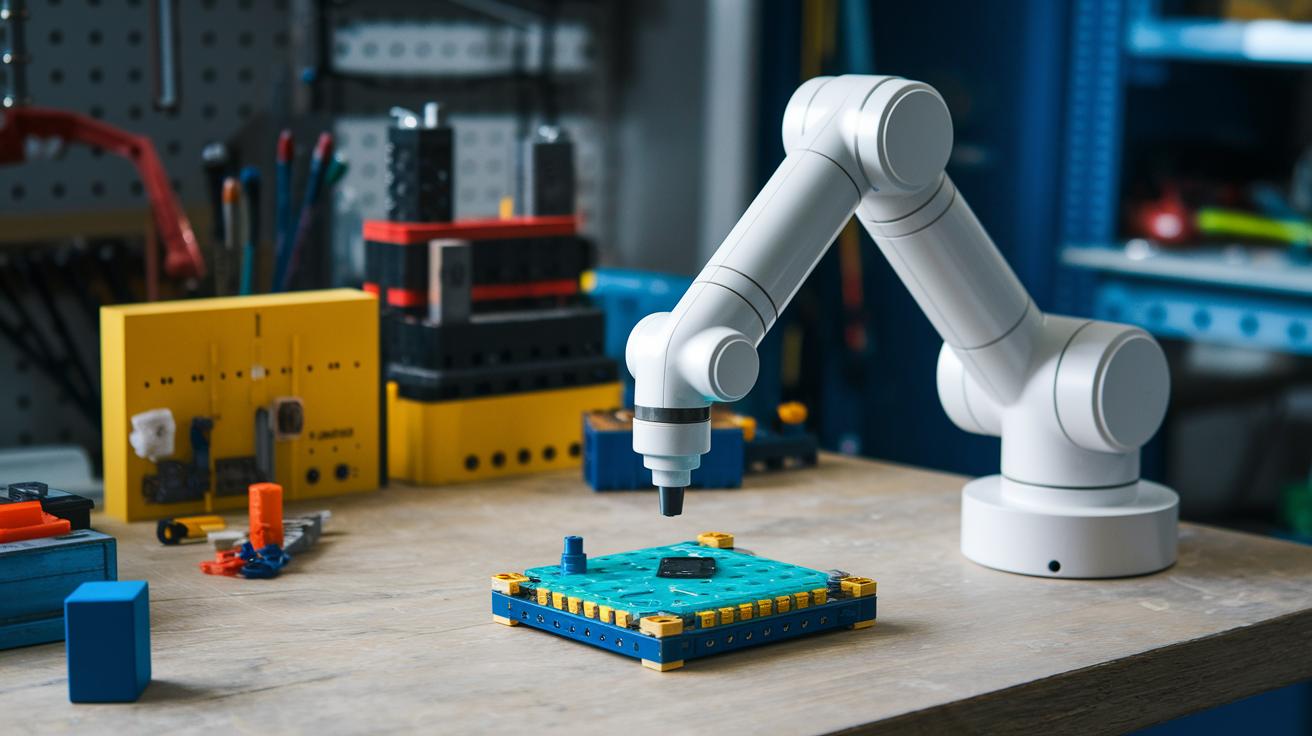
When we measure a robotic arm, we look at things like how accurately it moves, how fast it works, and the weight it can handle. Even a simple task needs a careful tech review, imagine a machine that can place an object almost flawlessly every time. For the MyCobot Pi, these basics really shine. Its smart motion planning means the arm performs pick-and-place tasks smoothly, as long as the load stays within its limits. Simply put, when it repeatedly picks up small items, it keeps the error nearly zero.
Looking a bit deeper, the MyCobot Pi really impresses with its quick reaction times. Tests using the PyMyCobot API show it reacts in under 50 milliseconds, so every command kicks into action almost instantly. It has a six-axis setup and uses closed-loop encoder feedback (that’s a system that constantly checks and adjusts its own position) to maintain precision, even with repetitive use. And with an optional AI kit that uses vision-based corrections to fine-tune moves on the fly, the arm keeps everything running reliably even under heavy work.
Tuning the arm’s movement, whether it uses closed-loop feedback or an open-loop approach, depends on how well its servo-driven actuators are calibrated. Adjusting these actuators is key for getting quick, real-time responses. Sometimes an open-loop setup might be a bit faster, but the closed-loop method perfectly balances speed and accuracy, ensuring every motion is both rapid and spot-on.
Integration, Software Support, and Compatibility of Robotic Arm Control Systems

Getting your robotic arm up and running quickly is key. With seamless software integration, you save time and boost performance. The system comes with a pre-flashed Micro-SD loaded with Raspbian OS and drivers already installed, so you can jump right into your project without any fuss. It’s all about matching smart hardware with user-friendly software for an efficient setup.
PyMyCobot Python API
The PyMyCobot API is a real gem. It offers a clear and well-structured library that makes controlling movements really easy. Its command like "move_to(x, y, z)" is simple to use, whether you’re just starting out or you’re a seasoned coder. I love how it simplifies scripting while keeping everything precise.
MyBlockly Visual Programming
With MyBlockly, programming feels fun and intuitive. This tool lets you build code by dragging and dropping blocks that work just like Python commands. It’s perfect for fast prototyping, and it helps users of all skill levels dive into robot control without getting tangled up in complex code.
ROS Compatibility
ROS (Robot Operating System, which is a set of rules to help different software parts communicate) brings a networked control edge to your robotic arm. It supports several ROS nodes and topic communications, broadening your design possibilities. Even though some testers noticed a few hiccups with its visualizer, ROS still takes your system to the next level for more advanced uses.
User Experiences, Pros and Cons of Robotic Arm Control Systems

Users love how easy it is to get started with the MyCobot Pi. Its plug-and-play setup and modular GPIO (that simple digital interface for extra gadgets) make it a breeze. The arm even comes pre-assembled with software already loaded, letting you dive straight into hands-on fun. One user shared, "I got it up and running in under an hour, perfect for a newbie like me!"
But not everything is perfect. Some users say the documentation and support can be hit or miss. While the API (a set of rules for connecting software applications) is usually reliable, integrating extra accessories sometimes proves tricky. Plus, the power switch feels awkwardly placed, and the arm struggles with tasks that push its load limits. Feedback like this is super helpful for diagnostics, maintenance, and planning future updates.
Seeing both the strengths and the shortcomings helps everyone set realistic expectations. It’s all about knowing what works well and where improvements are needed, so you can plan any extra support or upgrades for your specific projects.
Pricing, Value Comparison, and System Benchmark Table
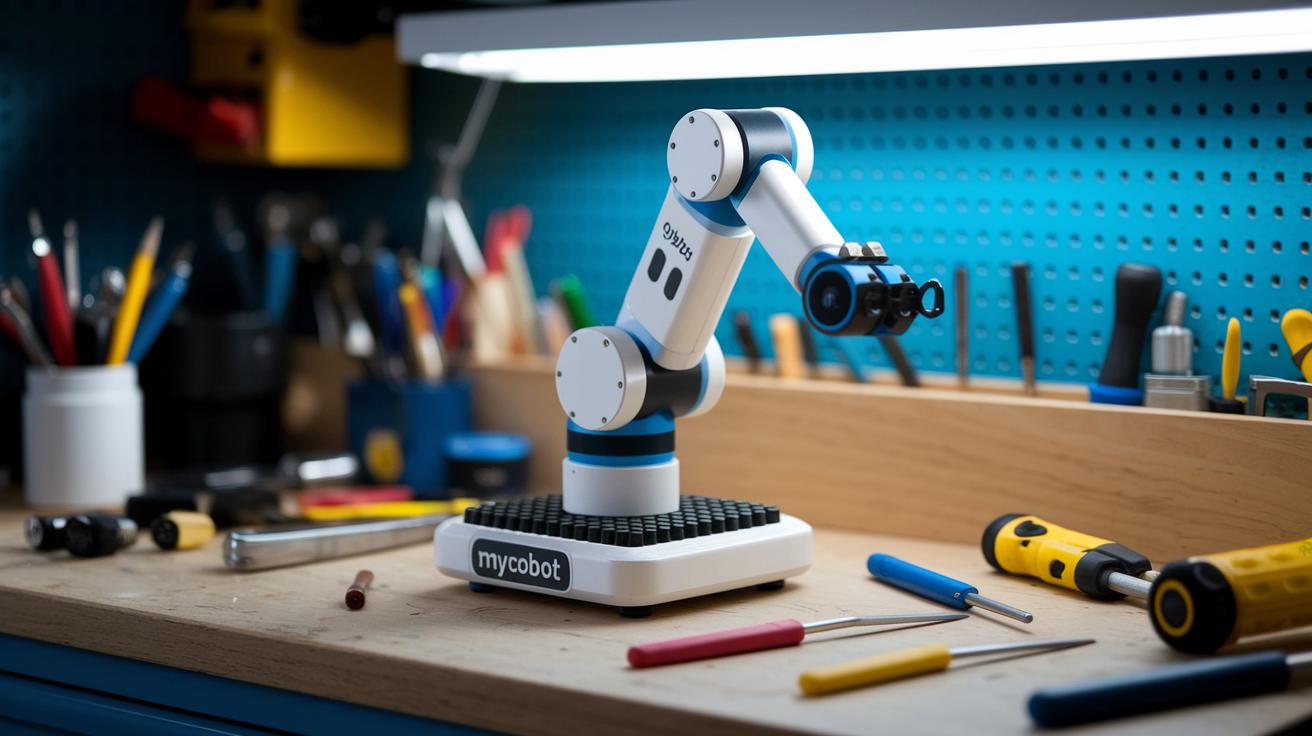
MyCobot Pi comes in at an attractive $699, which is a huge difference from many industrial robotic arms that cost between $10,000 and $50,000. It shines by offering a solid 4 out of 5 rating, making it perfect for hobby projects and quick prototyping without breaking the bank.
| System | Price | Performance Rating |
|---|---|---|
| MyCobot Pi | $699 | 4/5 |
| Universal Robots UR5e | $30,000 | N/A |
| Fanuc LR Mate | $45,000 | N/A |
This table clearly shows how MyCobot Pi sets itself apart from the expensive alternatives. When you think about system integration, overall capability, and the potential for future upgrades, it’s easy to see that this option gives you great value. It’s a smart pick whether you’re managing a budget or preparing for larger industrial needs.
Selecting the Best Robotic Arm Control System for Your Application
When choosing a robotic arm control system, think about five key points. First, consider the degrees of freedom, which is just a fancy way of saying how many independent movements the arm can make. Next, look at the payload capacity, or simply how much weight the arm can lift. Then, check if the system plays well with your current tools by supporting the right software and protocols. Don’t forget about scalability, so you can add new features as your project grows, and make sure it fits your budget.
Imagine this: even one extra movement can completely change what the arm is capable of doing.
Take the MyCobot Pi as an example. It’s a cool mix of all these criteria. With 6 degrees of freedom, this arm moves smoothly and handles various tasks without breaking the bank. It’s perfectly built for light to moderate loads, but what really makes it shine is the optional AI kit. This kit supports machine-vision, which means the arm can identify and handle objects on its own, a big win for complex sorting tasks. Plus, its modular design lets you add on accessories like a servo grabber or suction pump, so you can easily expand its functionality.
The software is a breeze too. Whether you’re just starting with Python or you’re a seasoned developer, the Python API and the visual programming interface work together to make integration into your workflow simple and fun.
In essence, your choice should match your project needs, be it for education, prototyping, light production, or research. If you need a system that adapts and grows with you, the MyCobot Pi is a smart, well-rounded pick that doesn’t put a strain on your budget.
Final Words
in the action of evaluating top control systems, we examined key performance metrics, integration options, and real user feedback.
We explored hardware specs, software support, and pricing insights to build a clear picture of each solution’s strengths and challenges.
This robotic arm control systems review gives a concise snapshot to help you feel confident embracing new digital tools.
The insights shared leave us upbeat about the tech advancements available today.

